Glyphfall
A downloadable game for Windows
Split your focus. Draw your magic. Survive the onslaught.
Glyphfall is a fast-paced, top-down 2D action-roguelike that demands total synchronization between your hands. While your left hand frantically maneuvers across the keyboard to dodge bullet-hell patterns and execute dashes, your right hand acts as your arcane catalyst - literally drawing patterns on the screen to weave powerful spells.
Bring a friend, split your mind, and see if you can survive the shifting depths of the dungeon.
《 Features》
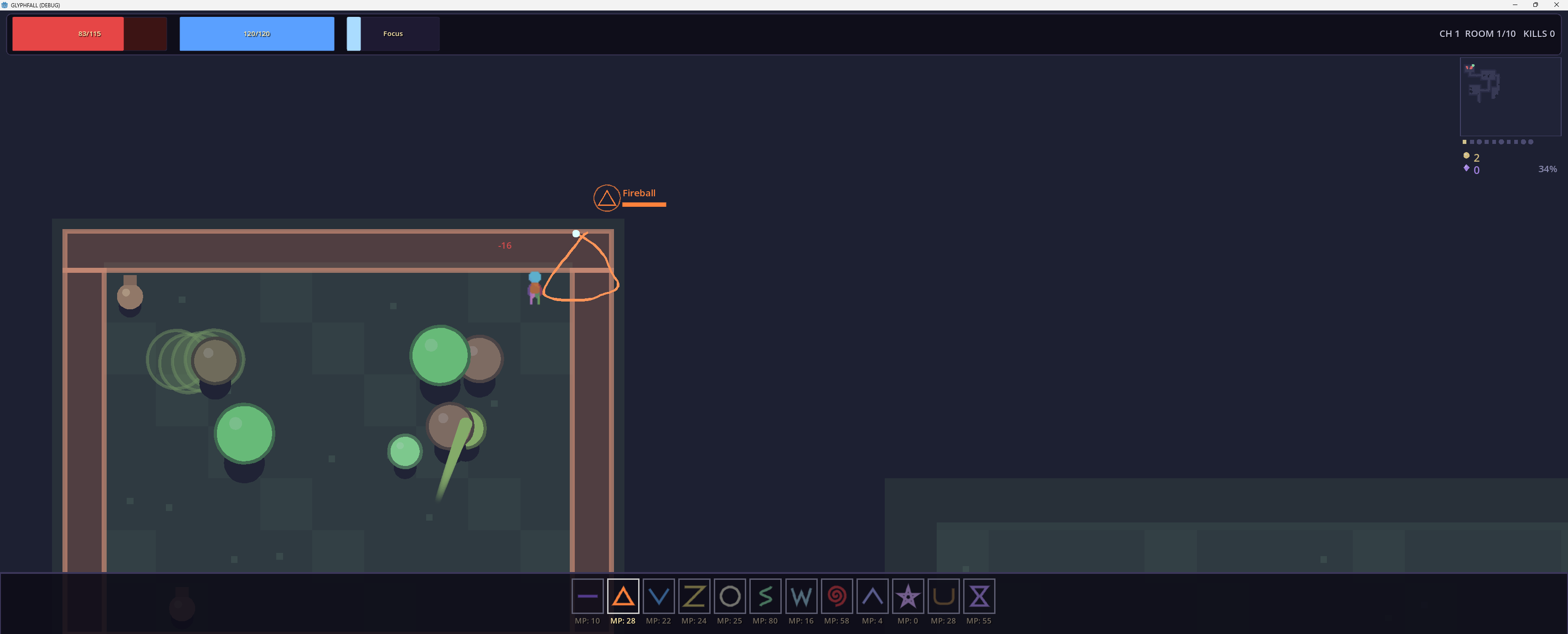
- Dual-Control Spellcasting: No hotkeys here. To cast a spell, you must physically draw its geometric shape with your mouse cursor while keeping yourself moving on the keyboard.
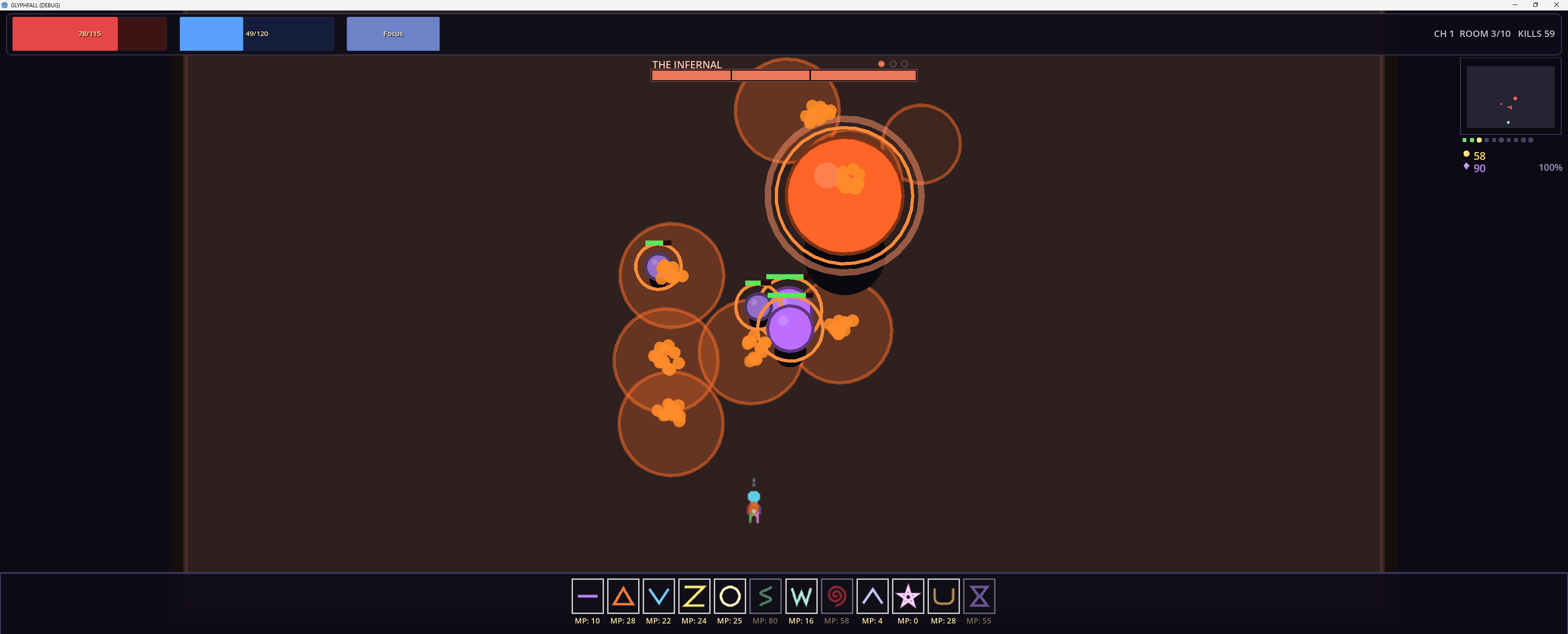
- Formidable Programmatic Bosses: Face off against unique entities like the Golem (who zones you with closing boulder circles), the expanding Slime Lord, and bosses designed to split your attention, forcing you to mirror their arcane runes mid-combat while dodging their attacks.
- Cooperative Multiplayer: Built from the ground up to be multiplayer-ready, allowing you to synchronize your movements, cover each other's blind spots, and combine your spells into explosive synergies.
《Controls》
- Move:
WASD(or Arrow Keys) - Dash (Invincibility Frames):
SpacebarorShift - Draw/Cast Spells: Hold
Left Mouse Buttonand trace the geometry of the spell.
Right Mouse Button to cancel. - Keys are possible to remap
- Ctrl to inscribe spells on the ground
《Future Roadmap & Planned Features》
We are just getting started! Here is a sneak peek at what I am working on behind the scenes for future major updates:
Mysterious, Ever-Shifting Dungeons
- Dynamic Ley-Line Modifiers: Rooms that alter how your lines behave—such as Arcane Overload zones that boost spell sizes but force you to instantly dash away from volatile self-damage, or Static Interference zones that add a subtle, physical pull to your cursor.
- Co-Op Environmental Puzzles: Elements that challenge split coordination, like blinding fog that temporarily splits you and a partner into parallel rooms, requiring communication to navigate, or barriers that require simultaneous, synchronized geometric traces to break.
Evolving Combat & Visual Overhauls
- Hand-Drawn Asset Overhaul: Replacing all current temporary, programmatically drawn circles/polygons with full, hand-crafted 2D custom sprites.
- Complex Multi-Phase Boss Encounters: Evolving fights where entities like the Rift Weaver directly interact with your drawing cursor, or bosses that force a complete mental split—shielding themselves in complex glyphs you must mirror perfectly to break their shields while dodging bullet hell patterns.
Download
Install instructions
For the smoothest install, use the itch.io desktop app, click "Install" and you're playing. If you download the zip directly, Windows may warn about unsigned software; that's normal, just click "More info → Run anyway".
Multiplayer Playtest Instructions
I am utilizing godotSteam for multiplayer and basic LAN godot functions for P2P connection.
To play with a friend online, follow these simple steps, stay on the same LAN network or you open steam:
Step 1: Get Connected
- Make sure you are on the same LAN network or open steam
Step 2: Launch the Game
- Open the game here on itch.io or launch your standalone build.
- Player 1 (Host): Click the Host Game button on the main menu. with I you can send a steam invite to play together.
- Player 2 (Client): Paste the Host's IP into the connection field and click Join.
- Boom! You are connected and can play multiplayer
Leave a comment
Log in with itch.io to leave a comment.